When you complete a mission in Space Center, the corresponding points are automatically credited to your account. Some of these missions have a validity of 12 months from the moment they are completed. You will see the validity period reflected in each mission when you access the history of completed missions.
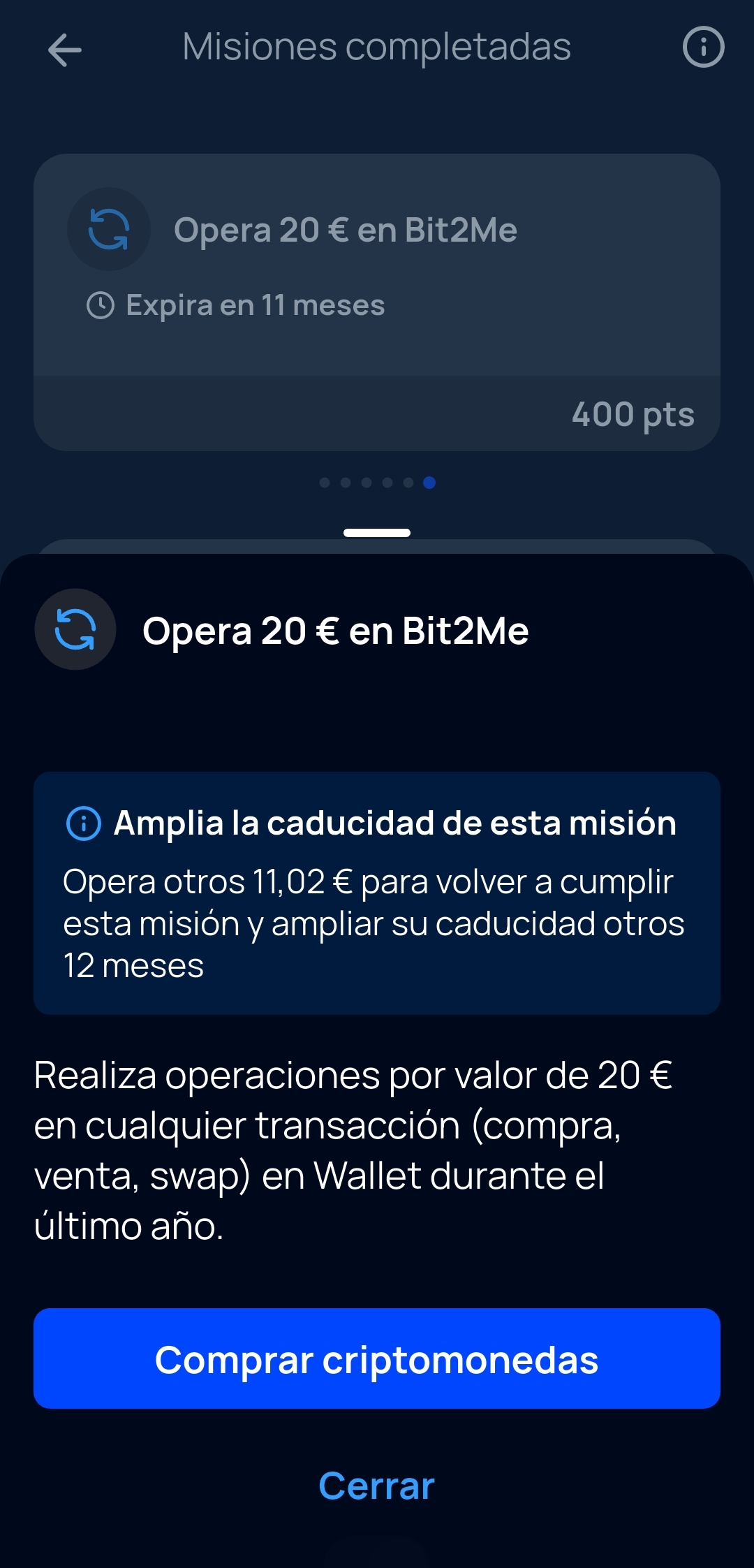
Many of the missions are consecutive, and once you complete one, you will unlock the next mission in that category. To extend the validity period of an already completed mission, you can perform the action again and thus extend the initial expiration date. Following the example in the attached image:
Mission 1: Trade €20 on Bit2Me. Once the mission is completed, the 12 months of validity begin to count, but if you trade another €20 on Bit2Me Wallet before the 12 months pass, the validity period of this mission will be updated and extended.
The missions to buy and store B2M or swap do not expire. The points obtained from these missions do not have an expiration date, so you can be a B2M Holder and keep the benefits obtained from Space Center permanently, as long as you hold the B2M bought in the case of the missions to buy and hold x€ in B2M.
Related articles:
What are missions in Space Center and what do they consist of?
Can I lose points or progress on a Space Center mission?
How can I level up in Space Center?
What is Space Center?
Was this article helpful?
That’s Great!
Thank you for your feedback
Sorry! We couldn't be helpful
Thank you for your feedback
Feedback sent
We appreciate your effort and will try to fix the article