As a user with tax residency in Brazil, you can make deposits and purchases directly with Brazilian Reals (BRL) from your bank using the PIX payment method. This system facilitates transactions quickly and securely.
Below, we show you the steps to use PIX on Bit2Me:
The process starts similarly on both the mobile app and the web version:
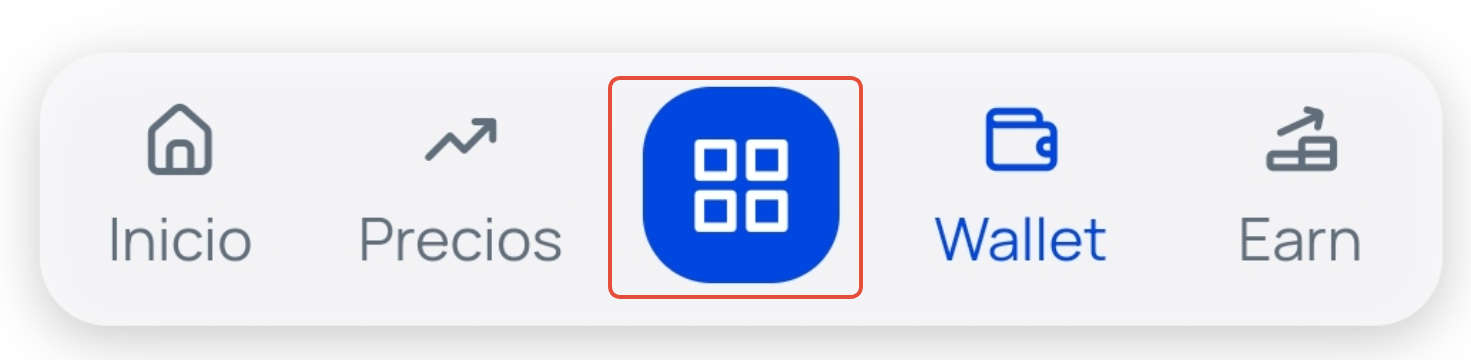
Press the Operations button. This is the blue square button you will find in the bottom horizontal menu (if accessing from the app) or in the top right corner (if accessing from the web).
Select the Buy or Deposit option.
If you chose Buy, select the cryptocurrency you wish to purchase and proceed to the next step.
Enter the amount in your traditional currency (BRL) that you wish to deposit or buy and press the Review operation button.
Review the operation summary that will be displayed on the screen and press the Confirm Purchase/Deposit button.
To process the payment via PIX, the system will guide you through three steps to complete the transaction:
Step 1: Personal and profile information.
Complete the requested data such as: Document number (CPF), Name, Email, address, and phone number.
Step 2: Access your bank account.
You will be asked for the necessary bank details to generate the PIX key.
Step 3: Scan the QR code.
Finally, scan the QR code that will appear on the screen with your bank's application to complete and confirm the payment.
Once the payment is confirmed through your bank, the deposit or purchase will be processed in your Bit2Me account.
Important: Deposits you make using the PIX payment method will be credited to your Bit2Me account in Euros based on the exchange rate at the time you confirm the transaction. |
Was this article helpful?
That’s Great!
Thank you for your feedback
Sorry! We couldn't be helpful
Thank you for your feedback
Feedback sent
We appreciate your effort and will try to fix the article