As a user with tax residence in Brazil, you can withdraw your funds directly to your bank account in Brazilian Reais (BRL) through the PIX system.
Follow these steps to request a withdrawal:
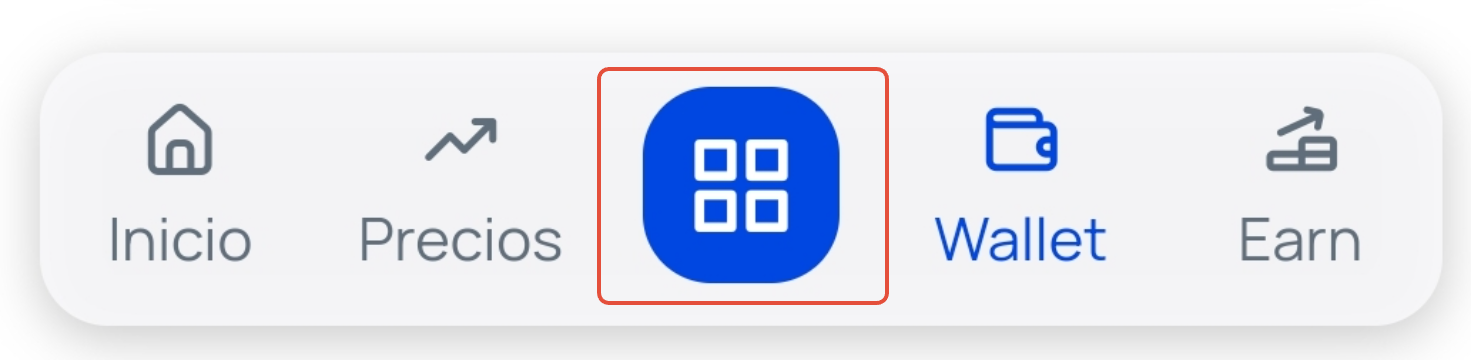
Click on the Operations button. This is the blue square that you will find in the lower horizontal menu (if you access it from the app) or in the upper right corner (if you access it from the web).
Select the Bank withdrawal option.
On the next screen, indicate the amount you want to withdraw and click on the Continue button.
Next, you must complete the form to be able to make the withdrawal through PIX, indicating your bank details, including:
Bank code
Bank name
Branch
Account number
CPF/CNPJ code
Complete the entire form, check the box confirming that you agree and declare that you are the owner of the indicated bank account, and click on the Withdraw button.
Important: At Bit2Me, funds in traditional currency are always held in €. When making the withdrawal, the conversion will be made according to the exchange rate at the time of the request. |
If when trying to withdraw your funds you experience any type of restriction or have the option disabled, contact us by creating a ticket.
Was this article helpful?
That’s Great!
Thank you for your feedback
Sorry! We couldn't be helpful
Thank you for your feedback
Feedback sent
We appreciate your effort and will try to fix the article