As a user with tax residency in Argentina, you can withdraw your funds directly to your bank account and receive Argentine Pesos (ARS) via your Clave Virtual Uniforme (CVU).
Follow these steps to request a withdrawal using your CVU:
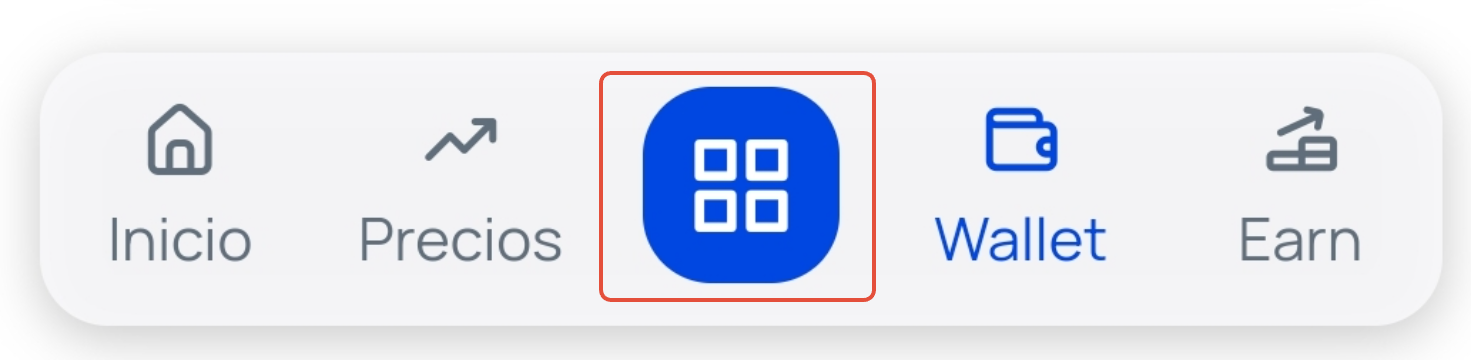
Click on the Operations button. This is the blue square you'll find in the bottom horizontal menu (if accessing from the app) or in the top right corner (if accessing from the web).
Select the option Withdraw, and from the available options, select Bank Withdrawal.
On the next screen, enter the amount you wish to withdraw and click on the button Continue .
Next, you will need to complete the form to process the withdrawal, providing your CVU.
Review that you have entered the details correctly and click on the button Review operation .
In the summary window, check that all details are correct and click on the button Withdraw .
To confirm, you may be asked for the security code that you will receive via SMS message or the one provided by your 2FA (two-factor authentication) if you have it installed. Click on Confirm and withdraw to complete the operation.
Important: At Bit2Me, funds in traditional currency are always held in €. When withdrawing, the conversion will be made according to the exchange rate at the time of the request. |
If you experience any restrictions when trying to withdraw your funds or if the option is disabled, please contact us by creating a ticket
Was this article helpful?
That’s Great!
Thank you for your feedback
Sorry! We couldn't be helpful
Thank you for your feedback
Feedback sent
We appreciate your effort and will try to fix the article