To increase the APY (Annual Percentage Yield) and maximize the earnings of your B2M tokens in Bit2Me Earn, you can add your funds to a Lockup Pool. You can choose the timeframe that best suits your needs: flexible, 3, 6, or 12 months. Remember that the longer the lockup period, the higher the APY you can obtain.
You can send your B2M to a Lockup Pool directly from your Wallet, from the Flexible Pool in Earn, or even move them from one Lockup Pool to another with a longer timeframe. For example, you can move funds from a 3-month pool to a 12-month pool, but not the other way around, which helps maintain the integrity of the lockup periods.
Follow the different instructions to lock your B2M funds. The steps vary depending on where you have the funds you want to lock up:
- Add funds to a Lockup Pool from your Wallet
- Move funds from an Earn Pool to a Lockup Pool with a longer timeframe
Add funds to a Lockup Pool from your Wallet
If you have the funds you want to lock up in your Bit2Me Wallet, follow these steps:
Access Wallet:
If you are using the web, select "Wallet" from the right side menu.
If you are using the app, tap on the horizontal menu at the bottom of the screen.
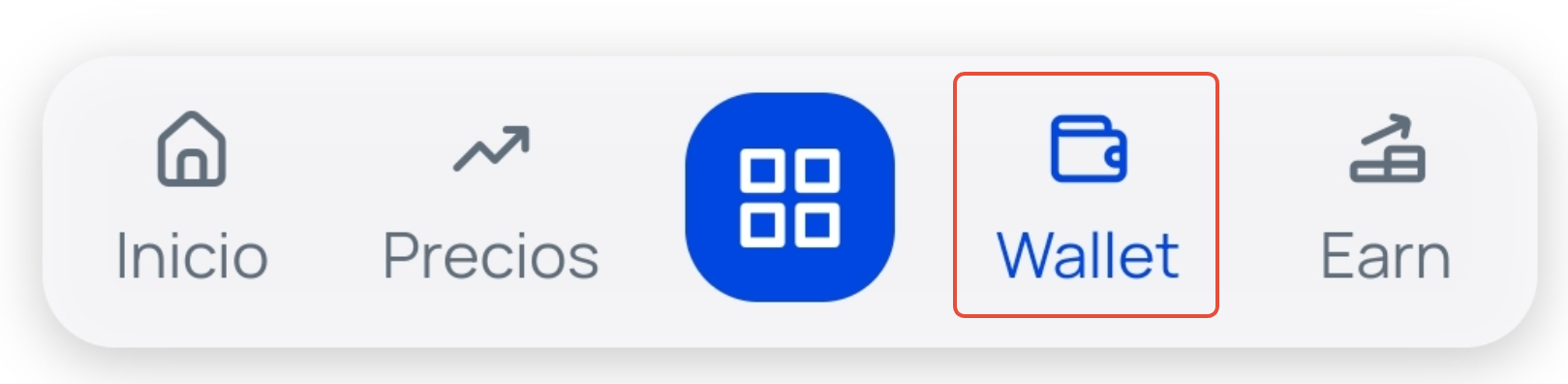
Select B2M: Tap on the Bit2Me Token (B2M) currency to access its detailed view and then click the Operate with B2M button.
Choose "+ Earn": From the available options, select "+ Earn"
 .
.Enter the information: You will see the screen divided into two modules:
Origin of funds: Select the wallet you have the B2M funds and the amount in euros you want to lock up. You can tap "Max" if you want to lock up all available funds in that wallet.
Destination of funds: Indicate the Pool (Flexible, 3, 6, or 12 months) to which you want to send the funds.
Add and confirm: Tap the Add button.
Move funds from an Earn Pool to a Lockup Pool with a longer timeframe
If you already have your funds in Earn (either in the Flexible Pool or in a shorter-term lockup pool) and you want to move them to a Lockup Pool with a longer timeframe, follow these steps:
Access Earn:
If you are using the web, select "Earn" from the right side menu.
If you are using the app, tap on the horizontal menu at the bottom of the screen.
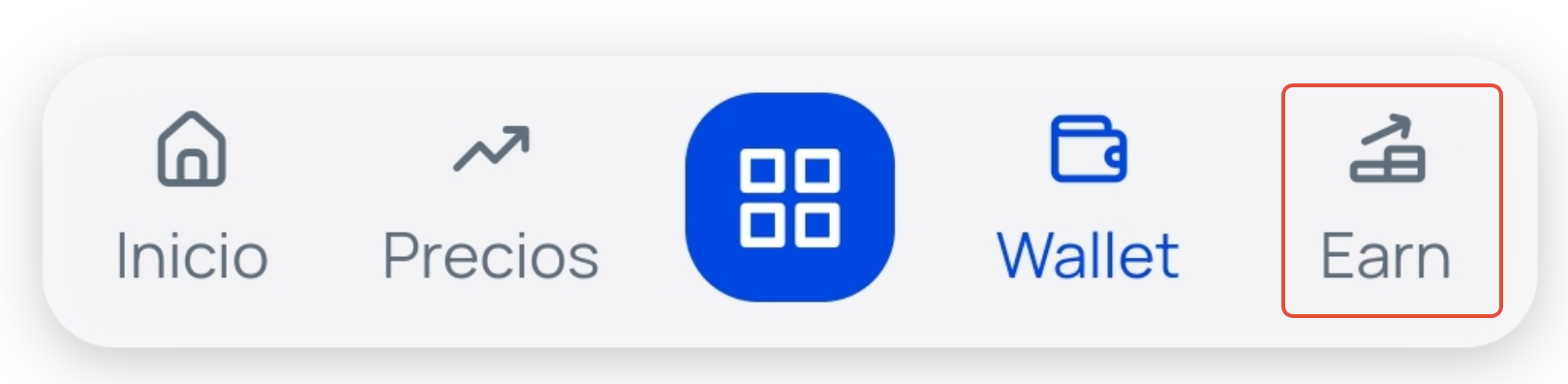
Select B2M: Tap on the Bit2Me Token (B2M) currency to access the currency view and its information.
Choose the source Pool: In the "Added to Earn" section, tap on the Pool (Flexible, 3, or 6 months) where you have the funds you want to move.
Click on "Add to Lockup": In the modal that opens, tap on the Add to Lockup button.
Enter the information: The screen will be divided into two modules:
Origin of funds: Select the pool where you have the B2M funds to a Lockup Pool with a longer timeframe and the amount in euros you want to lock up. You can tap "Max" if you want to lock up all the funds you have in the indicated wallet.
Destination of funds: Indicate the Pool with a longer timeframe to which you want to send the funds.
Add and confirm: Tap the Add button.
Read and accept the conditions: Carefully read the notice and information about the lockup and its consequences. Once you have understood everything, check the box "I understand the lockup conditions" and tap on Continue . Your funds will be added to the selected Lockup Pool automatically.
Important: By adding B2M to a Lockup Pool, you are accepting the timeframe conditions of each one. Keep in mind that if you decide to withdraw the funds before fulfilling the established lockup period, the earnings obtained will be deducted, as well as 10% of the initially added funds. For more detailed information on the lockup conditions, we recommend you check the article: Frequently Asked Questions: B2M Lockup |
Was this article helpful?
That’s Great!
Thank you for your feedback
Sorry! We couldn't be helpful
Thank you for your feedback
Feedback sent
We appreciate your effort and will try to fix the article